One platform for thefull service lifecycle
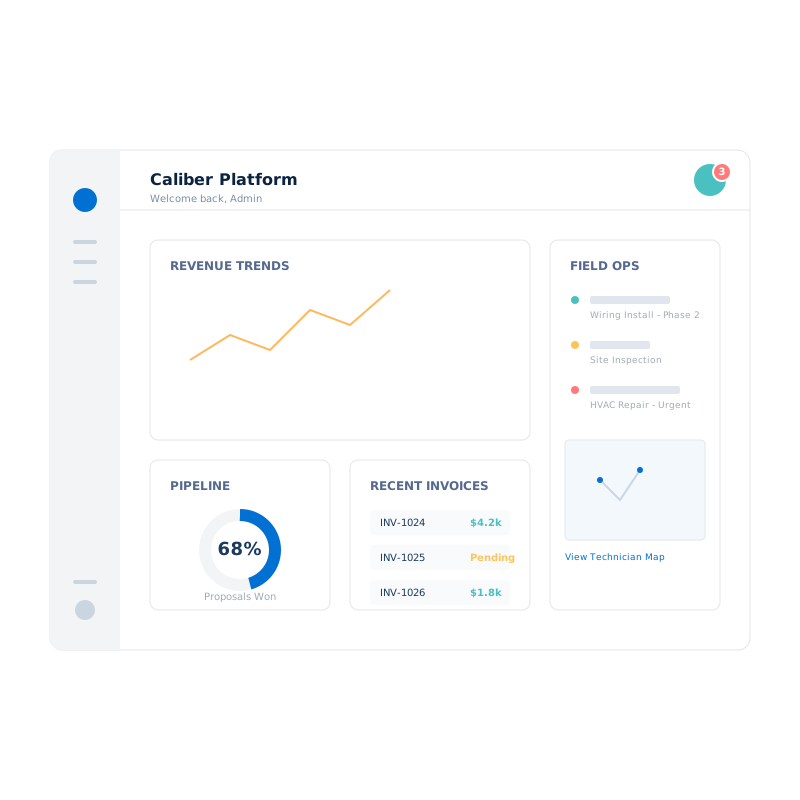
Caliber Platform connects proposals, contracts, field execution, invoicing, payments, e-signatures, and partner programs into a single operating system — powered by Salesforce and Caliber's own cloud services, built by a team that actually runs service operations.
Built for real-world scale
Why Caliber
Stop juggling disconnected tools
Most service businesses run on a patchwork of quoting tools, spreadsheets, scheduling apps, and basic invoicing. Caliber replaces the gaps with one cohesive platform.
Salesforce + Caliber cloud services
Caliber combines Salesforce's CRM power with purpose-built cloud services for document generation, e-signatures, file storage, and payments — all managed as one platform.
Proposal-to-payment lifecycle
Proposals, contracts, e-signatures, invoicing, deposits, credit memos, and payments share a single data model — no re-keying between tools.
Modular package architecture
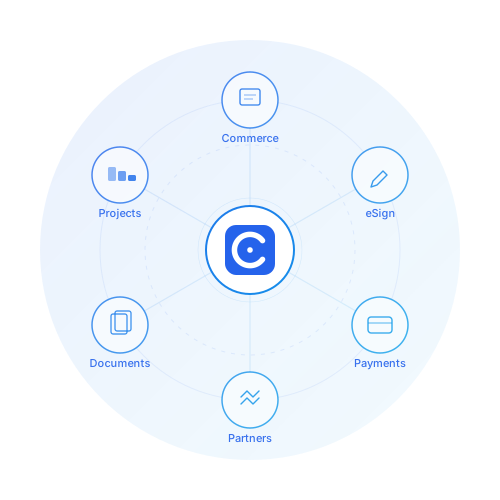
Start with Core and Commerce, then add Caliber eSign, Caliber Payments, Compensation, Partner Programs, or Project Management as you grow.
Caliber Documents
Built-in DOCX template engine with merge fields and automatic PDF conversion — generate branded proposals, contracts, and invoices from your data.
Caliber eSign
Route contracts and proposals for e-signature with embedded signing ceremonies — fully managed by Caliber, no separate vendor needed.
Caliber-managed infrastructure
Document generation, e-signatures, file storage, and payment processing are hosted and managed by Caliber as SaaS — you just use them.
Architecture
Salesforce at the core, Caliber services all around
A product platform, not project customizations
Every module follows proven engineering patterns with centralized error logging and bulk-safe processing — whether it runs on Salesforce or in Caliber's cloud.Caliber Core
Business units, branding, error logging, integration registry, phone validation, geocoding, and shared services — all living on Salesforce as the central data backbone.
Caliber Commerce
Proposals, contracts, invoices, payments, deposits, credit memos, purchase orders, subscriptions, and document generation — tightly integrated with Caliber Documents.
Caliber cloud services
Caliber eSign, Caliber Documents, Caliber Files, and Caliber Payments — purpose-built services hosted and managed by Caliber, integrated seamlessly with your Salesforce data.
Platform modules at a glance
Each module is an independent package with clear boundaries, its own test coverage, and well-defined extension points.
Business units, error logging, integration registry, geocoding, phone validation, contact relationships, and guided wizards for accounts, leads, and locations.
Proposals with template builders, contracts, invoices, payments, deposits, credit memos, purchase orders, subscriptions, and document generation.
E-signature orchestration with envelope management, embedded signing ceremonies, webhook processing, and reusable templates.
Compensation plans, pay batches, pay statements, and internal payables for commissions and multi-BU pay structures.
Program ratebooks, rate overrides, partner remittances, receivables, fulfillment jobs, and service account management.
Projects, phases, tasks, contact roles, billing lines, daily field reports, site observations, and measurements.
From fragmented tools to a unified operating platform
Step 1: Discover & map
We map your existing quoting, job, field, and billing workflows to Caliber's data model and identify gaps, overlaps, and simplifications.
Step 2: Configure & design
We set up business units, branding, rate structures, document templates, and automations that match how your operation actually runs.
Step 3: Implement & migrate
We deploy Caliber packages, connect cloud services, and migrate customers, jobs, and financial history into the new platform.
Step 4: Launch & iterate
We launch by role — sales, field, back office — then refine dashboards, workflows, and reports as teams adopt the system.

Ready to see how Caliber maps toyour existing stack?
Walk through the modules, see how the data model works, and figure out where Caliber should plug in or replace what you're running today.